The redirect.pizza API gives you programmatic access to your team: manage redirects, email forwards, domains and users, read analytics and check your quota. It's a JSON REST API, and everything you can do in the dashboard is available through it.
Authentication
Create an API token under More, API/MCP. A team can have multiple tokens, each with its own scopes and tag access. Pass the token as a bearer token:
curl --header "Authorization: Bearer rpa_XXXXXXXXXXXXXXXXXXXXXXXXXXXXXX" \
  https://redirect.pizza/api/v1/redirects
Scopes
Limit what a token can do by giving it only the scopes it needs:
redirects:readandredirects:writeemail-forwards:readandemail-forwards:writedomains:manageanalytics:readteam:readandteam:writeusers:readandusers:writemcp:use: allows the token to be used by MCP clients
Tag access
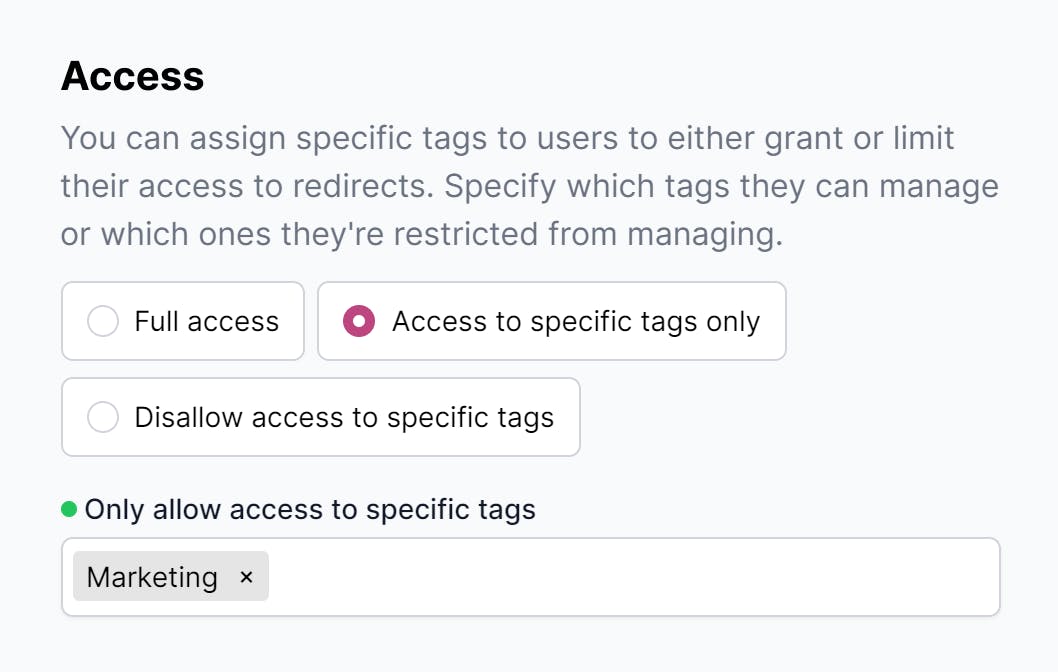
Restrict a token to redirects with specific tags, or exclude specific tags. This lets you hand out tokens that only see a subset of your redirects, for example one per department or per customer. It works the same way as access control for users.
Rate limits
Requests are rate limited per team: 300 requests per minute on the Free, Basic and Pro plans, and 900 requests per minute on the Business and Enterprise plans. Need more? Contact sales.
Endpoints
The API covers redirects, email forwards, domains (including a forced DNS check), analytics, users and team details, plus a redirect tester and a QR code generator. The API documentation describes every endpoint with request and response examples.
Integrations built on the API
- MCP: manage redirects from Claude, Cursor and other AI clients
- Terraform provider: manage redirects as infrastructure as code
- Zapier: create redirects from triggers in other apps, without code