HSTS (HTTP Strict Transport Security) tells browsers to only ever use HTTPS for a hostname. Once a browser has seen the header, it upgrades every later request to HTTPS by itself, before it leaves the device. That protects your visitors against downgrade attacks and stray http:// links.
What we send
With HSTS enabled, redirect.pizza adds this header to the responses of your hostnames:
Strict-Transport-Security: max-age=31536000
We also upgrade incoming http:// requests to https:// on the same hostname first, and only then perform the redirect to your destination. That way the HSTS policy is established on your hostname before the visitor moves on.
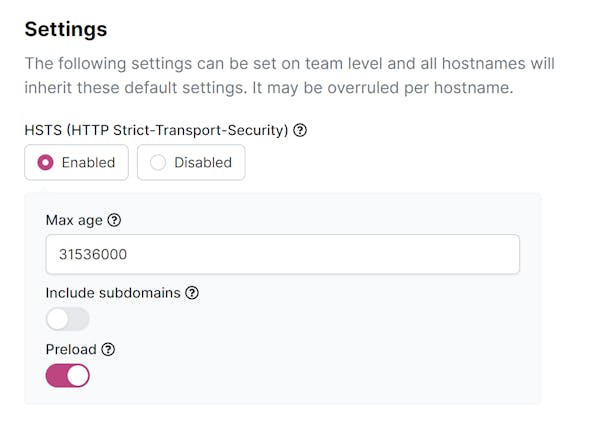
You can adjust the max-age, and add includeSubDomains and preload. Start with a short max-age to phase HSTS in safely, and increase it once you're confident every hostname works over HTTPS.
Enabling HSTS
Enable HSTS for all hostnames on the Settings page of your team:
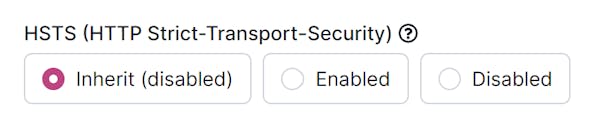
Or override the team setting for a specific hostname:
Before you enable it
Browsers remember HSTS for the duration of max-age. If you later move the hostname to a server without HTTPS, visitors who saw the header can't reach it until the policy expires. With includeSubDomains, that applies to every subdomain as well, including ones that aren't on redirect.pizza. Only enable HSTS when you're sure the hostname, and with includeSubDomains all its subdomains, will keep serving HTTPS.